Document storage limits
Free workspaces hold 500 MB of documents with files up to 25 MB each. Pro raises that to 5 GB and 50 MB files.
Every workspace can store documents. How much, and how large each file can be, depends on the workspace's plan.
Table: Document storage by plan
| Free | Pro | |
|---|---|---|
| Largest single file | 25 MB | 50 MB |
| Total document storage | 500 MB | 5 GB |
The extra room is the Pro feature More document storage. Club workspaces get the Pro limits automatically, without a Pro subscription.
See how much you have used
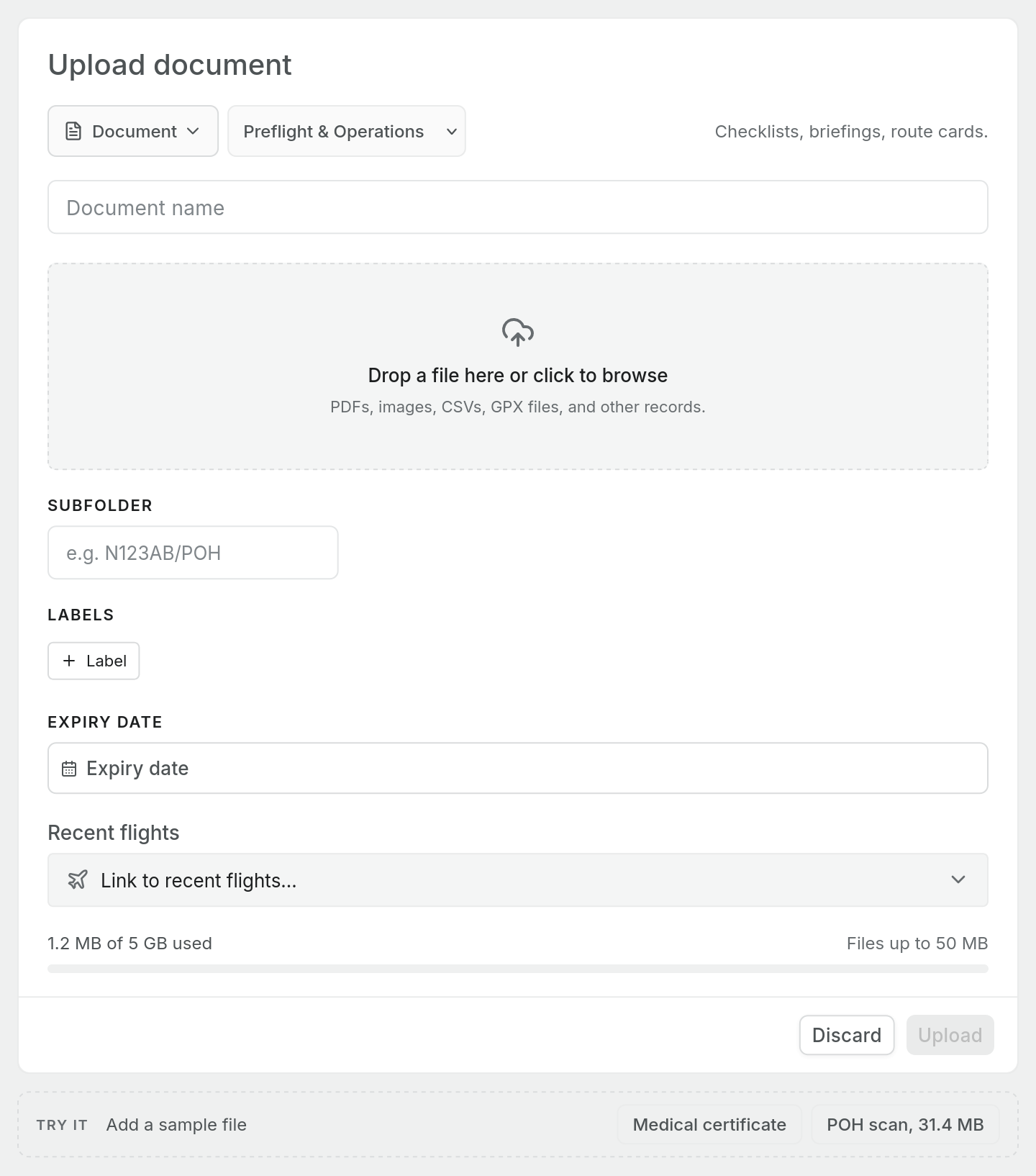
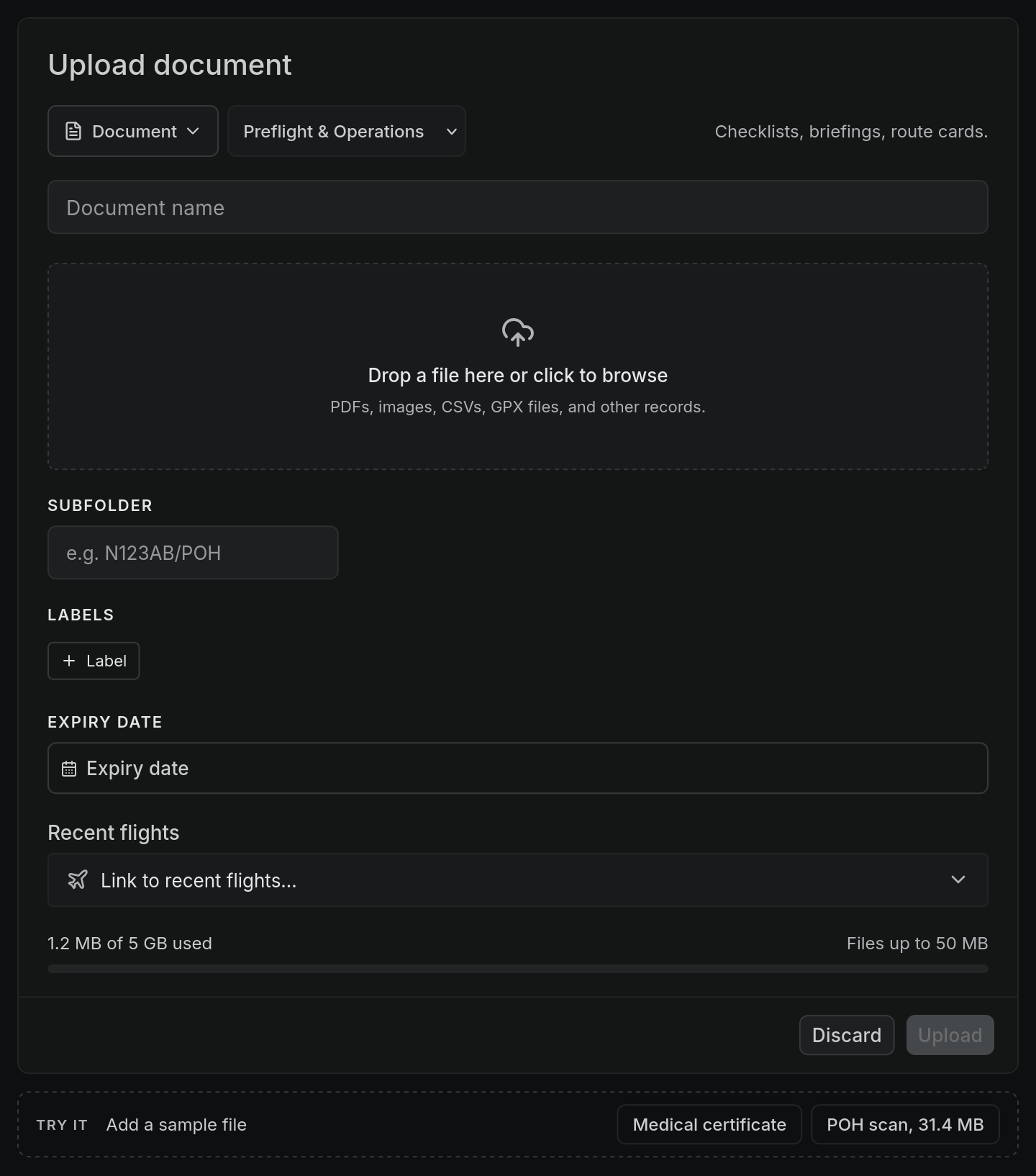
Open Documents and choose Upload. Above the Upload button, a meter shows how much you have used out of your total, for example 132.4 MB of 500 MB used, with the largest file you can upload beside it. The bar turns amber at 90% and red when the storage is full.
What counts
Every document in the workspace counts towards the total, whichever part of Pilot Lab filed it: uploads on the Documents page, flight attachments, and documents added elsewhere in the app. The count is the whole workspace, not per person.
Images you paste into a note are not documents and do not count towards this total.
Deleting a document frees its space straight away.
When a file is too big
If a file is over your per-file limit, the upload is refused and nothing is stored. The message tells you the limit and the file's size, for example:
Documents can be up to 25 MB; this file is 31.4 MB. Pro allows files up to 50 MB.
On the Free plan, an offer for More document storage appears underneath.
To fit a large file on Free, try:
- saving a scanned PDF at a lower resolution or in greyscale,
- splitting a long document, such as a full POH, into sections,
- photographing a single page rather than scanning the whole book.
When storage is full
If a new file would take you past your total, the upload is refused with a message such as Your workspace has used 490 MB of its 500 MB document storage; this file is 18 MB. Pro includes 5 GB. Delete files you no longer need, or move to Pro.
If your Pro subscription ends
Nothing you have stored is deleted. If you are over the Free limits when Pro ends:
- every document stays where it is, and you can still open and download it,
- new uploads are refused until deleting files brings you back under 500 MB.