Track your progress toward a licence
Pick the licence you are training for and your logbook shows how far through its hours, stages and exams you are.
Pilot Lab can measure your logbook against the licence you are working toward. You choose a syllabus once, and from then on the Licence progression widget on your logbook dashboard shows how many of its flight-hour requirements you have met, which training stages you have finished and how many theory exams you have passed.
Choose your syllabus
- Open Settings, then Progression (under Features).
- Under Choose a syllabus, open the dropdown and pick the licence you are training for. The line under it shows the syllabus's authority, licence code, how many hours requirements it has and how many modules.
- Select Set as my syllabus.
You will see a "Syllabus set" confirmation, and an active syllabus card appears at the top of the page with your hours so far against each requirement.
The syllabi available today are the New Zealand CAA presets:
- NZ Private Pilot Licence, aeroplane and helicopter
- NZ Commercial Pilot Licence, aeroplane and helicopter
- NZ Airline Transport Pilot Licence, aeroplane and helicopter
- NZ Instrument Rating
Only the PPL presets include training stages (the flying exercises of the syllabus). The CPL, ATPL and instrument rating presets track hours and exams only.
To change licence later, pick a different one from the dropdown under Switch syllabus and select Set as my syllabus. Your current syllabus is marked Active in the list. To stop tracking altogether, select Clear on the active syllabus card. Clearing keeps your history.
Read the Licence progression widget
The widget sits on your logbook Dashboard. It has three parts.
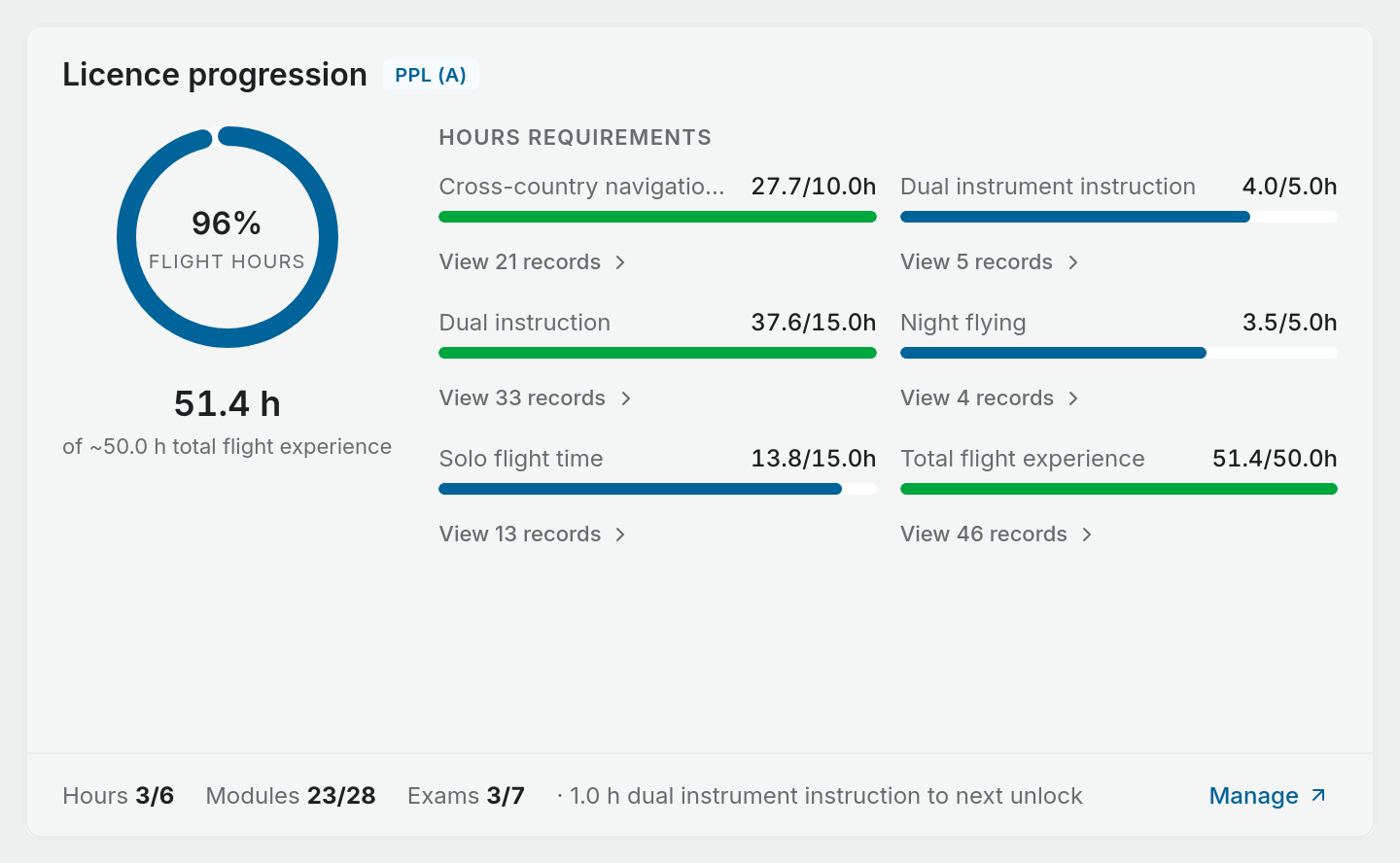
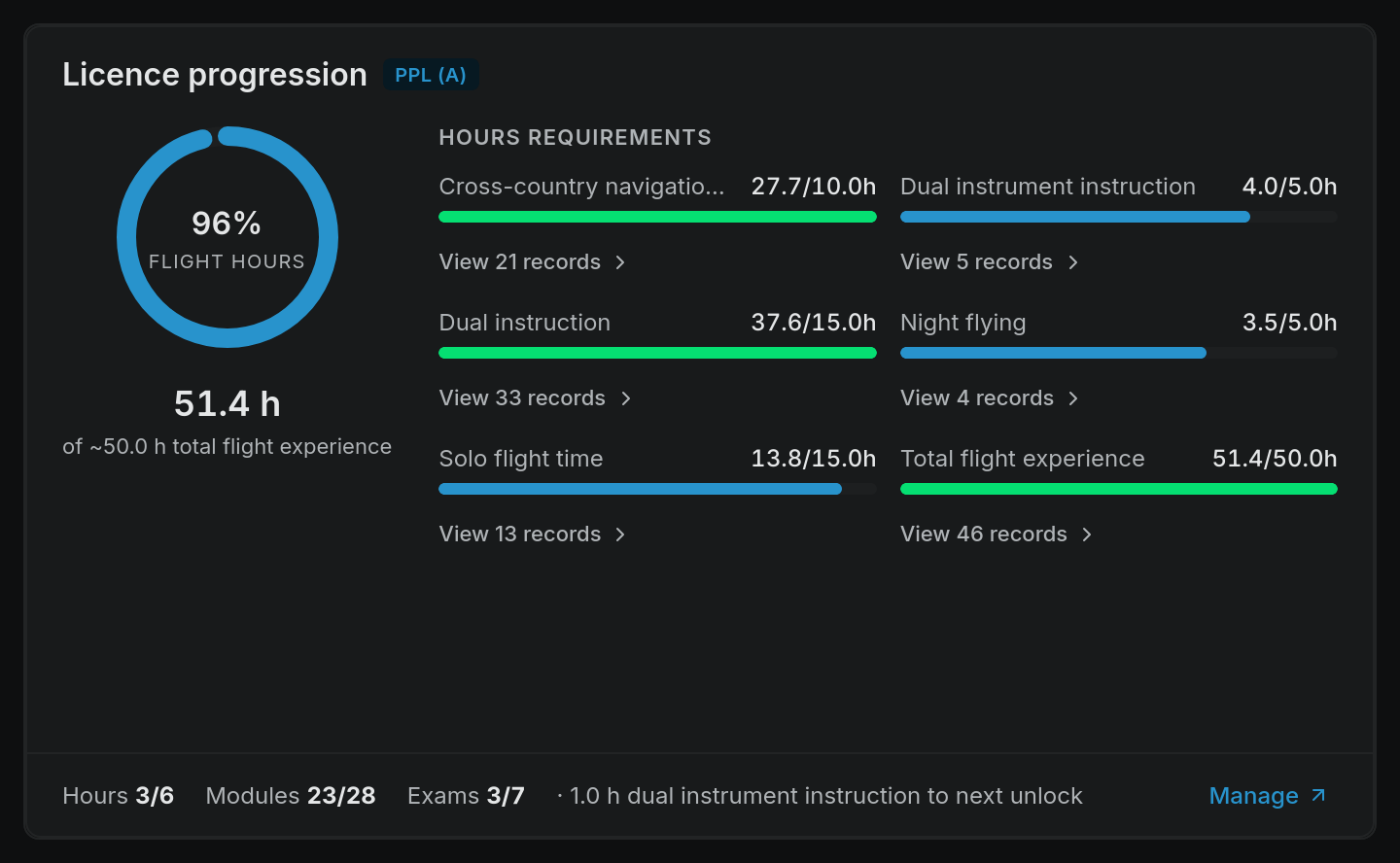
- The donut shows how far through the required flight hours you are, as a percentage. Each requirement is capped at 100% before it is added in, so flying far more than you need in one column cannot hide a shortfall in another. Under it is your total time against the syllabus total.
- Hours requirements has one bar per requirement, such as dual instruction, solo, night or cross-country. A bar turns green when it is met. If you brought hours forward as opening totals without recording an aircraft category, the bar says how many hours it could not count, with a link to record the category in settings. Select View N records under a bar to see exactly which flights are counted toward it, with the date, aircraft, route and the time each one contributed.
- Training stages (PPL only) lists the syllabus stages with a tick when every module in the stage is complete.
When your recent flying gives enough to go on, the widget also shows a Projected completion (estimate). It divides what you still need by your average flying over the last 90 days. If you have flown very little recently it shows nothing rather than a date that would mean little.
The footer counts hours requirements met, modules and exams, and names the smallest gap left, for example "2.2 h dual instrument instruction to next unlock". Manage takes you back to Settings > Progression.
Only entries you have finalised (or imported and reviewed) count toward licence progress. A flight saved as a draft moves nothing until you finalise it. This is deliberate: a licence total should only include records you stand behind.
Set your own target
On Settings > Progression, each hours requirement has a pencil button. Use it to set a personal target, for example 60 hours total instead of the 50 in the preset. A changed requirement is labelled Custom, and the reset button returns it to the preset figure. A custom target changes what the bar measures against. It does not change the hours you have logged, and it does not change what the regulator requires.
Mark training stages complete
For the PPL presets, Settings > Progression also lists every module grouped by stage. Select Mark complete next to a module when you have finished it. You can link the flight it was done on, or skip that. Undo reverses a completion.
Where the syllabus can tell from your logbook that something happened, Pilot Lab suggests it under Suggested from your logbook and waits for you to Confirm or Dismiss. In the NZ PPL(A) preset that is the first solo, matched from a flight logged with the solo role. Everything else is ticked by you.
What this does not do
Licence progress is a guide to your own records. It does not assess whether you meet the requirements for a licence, and it cannot see anything you have not logged. Some requirements are more specific than a logbook column can show. For example, a syllabus may require cross-country time as pilot in command, while the cross-country column counts all cross-country time. Your instructor and the CAA decide when you are ready, and you remain responsible for checking your experience against the current rules. See how licence progress is measured for the detail.