How your totals are worked out
Totals are added up fresh from your entries each time you look. Drafts and deleted flights are left out. Imported and final flights count.
Your totals are never typed in or stored as a running figure. Every time you open the dashboard, Pilot Lab adds them up again from the entries in your logbook. If you correct an entry, every total that includes it changes straight away.
Which flights count
| Entry | Counted? |
|---|---|
| Draft | No |
| Imported | Yes |
| Final | Yes |
| Signed | Yes |
| Locked | Yes |
| Deleted | No |
Drafts are left out because they may still be wrong. If a flight is missing from your totals, check whether it is still a draft, and finalise it.
Imported entries count because they came from your existing paper or spreadsheet logbook, which already stands as your record.
Aircraft time and simulator time are added up separately. Ground entries don't count towards either.
Where to see them
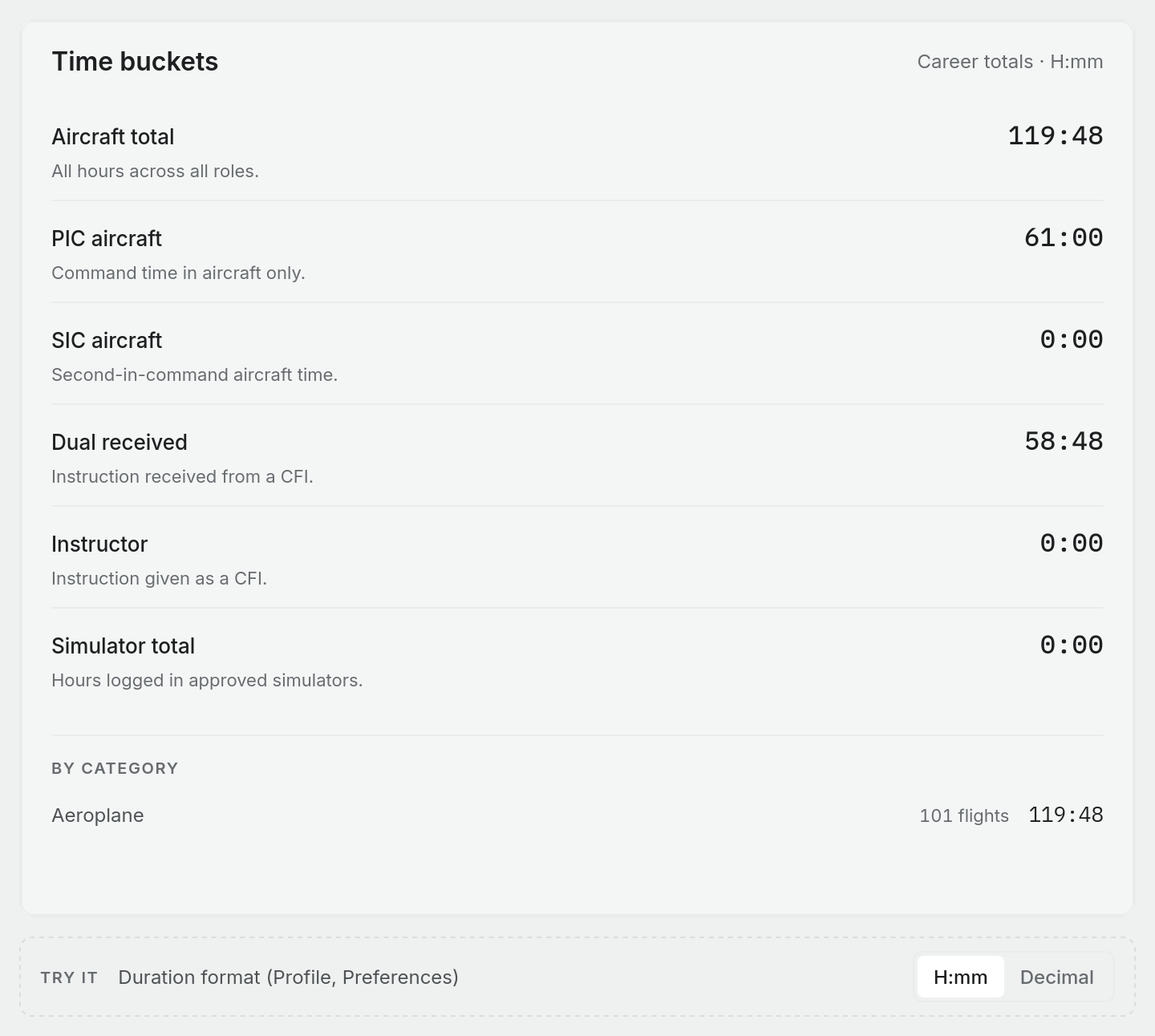
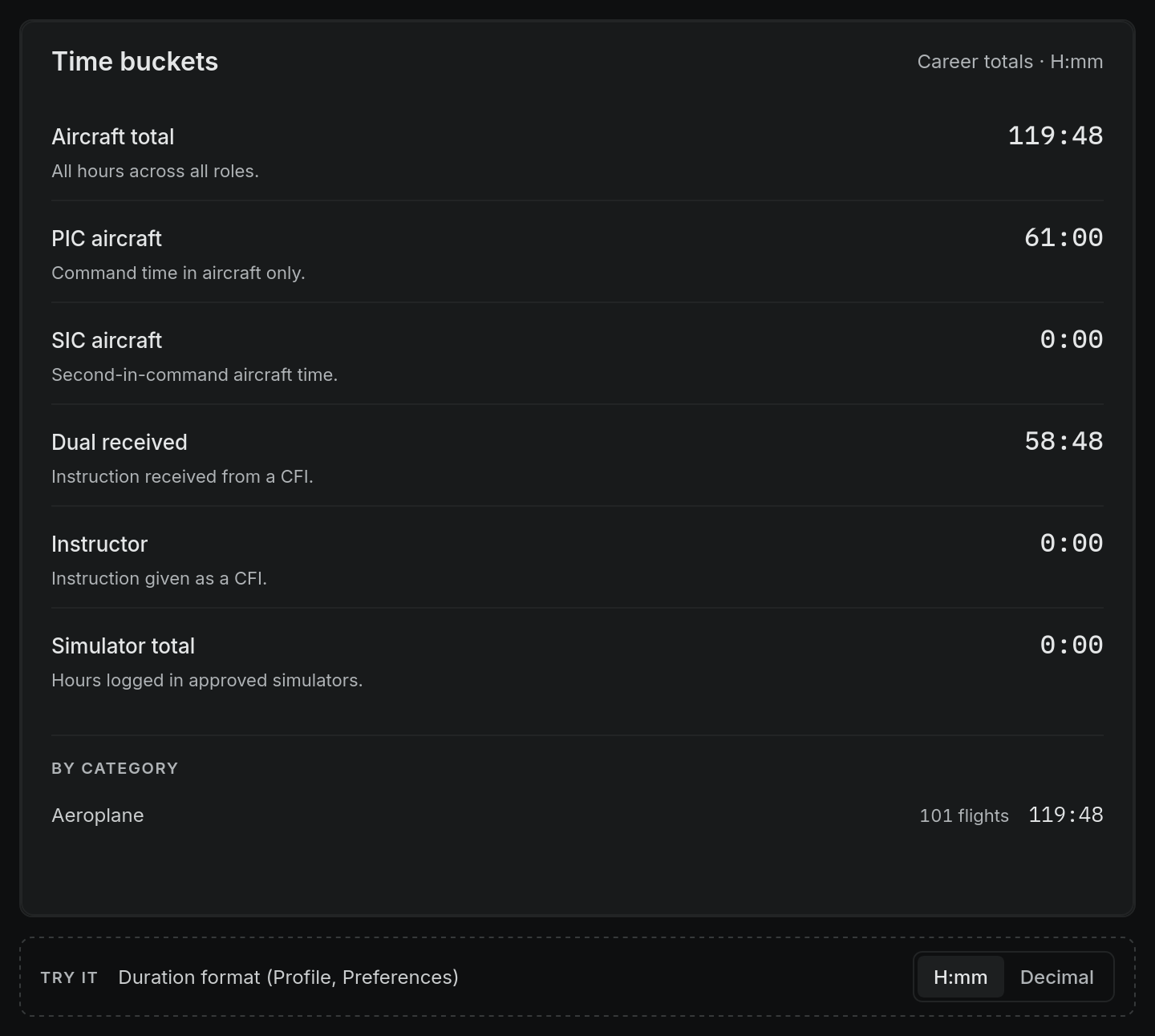
On Logbook > Dashboard, the Time buckets card shows your career totals. Which rows it shows depends on your pilot type. Without one, it shows the rows below.
| Bucket | What it adds up |
|---|---|
| Aircraft total | Every hour in an aircraft, whatever your role |
| PIC aircraft | Pilot in command time, including solo |
| SIC aircraft | Co-pilot time |
| Dual received | Instruction you received |
| Instructor | Instruction you gave |
| PIC under supervision | Time flown as PIC under supervision. Kept apart from PIC time. Shown only once you have some |
| Simulator total | Time in simulators, kept apart from aircraft time |
Your pilot type can swap in other rows: Solo, Night, Instrument, Multi-crew and Cross country. For example, a Private pilot sees Aircraft total, PIC aircraft, Night, Cross country and Simulator total. To choose the rows yourself, go to Profile settings and open How you fly.
PIC, SIC, dual received, dual given and PIC under supervision together make up the aircraft total, because every hour of a flight goes into exactly one of them. A sector flown as PIC under supervision counts there and not as PIC. See How flight time is split into columns.
The status sidebar on the dashboard shows recent flying: flights, landings and hours for the last 28 days, 90 days, 12 months and this year, along with your currency.
Totals that start before Pilot Lab
If you have hours in another logbook, enter the totals carried forward from its last page in Settings > Opening totals. Opening totals also arrive with some imports. You can adjust or remove totals you entered by hand later, and the page keeps a Change history of every change, with the figures before and after.
Your opening totals are added to your all-time aircraft totals. They are not added to the 28-day, 90-day or other recent windows, because Pilot Lab doesn't know when those hours were flown.
Hours and minutes, or decimal
Totals follow your Duration format preference in Profile settings > Preferences: Decimal, one place (1.8), which is the default, Decimal, two places (1.75) or H:mm (1:45). All three are worked out from the exact minutes on each entry, so switching format never introduces rounding drift.
Pilot Lab calculates night time from civil twilight at the departure aerodrome, but only when no night figure was written. If an import brought one in from your old logbook, the entry keeps that figure. Where it differs from the calculated figure by more than six minutes, the entry shows a warning so you can check it.
What totals don't include
- Draft flights. Finalise them to count them.
- Deleted flights. Deleting a flight removes it from every total at once.
- Custom fields. They never change any logbook total.