How flight time is split into columns
Pilot Lab places each flight's time into the NZ CAA logbook columns from your flight position, the aircraft, the times you flew and the flight rules.
You enter a flight once. Pilot Lab then works out which logbook columns its time belongs in, using the rules for your workspace's authority. Today the only authority on offer is New Zealand CAA. You can see it under Settings > Logbook settings, in the Logbook compliance ruleset card.
The calculation runs on Pilot Lab's servers every time an entry is saved, so the columns in your entries table, your totals and your currency always come from the same place.
Step 1. How long was the flight?
Pilot Lab takes the first of these that you have entered:
- A Total flight figure you typed yourself.
- Hobbs start and end readings.
- Block off and block on times (from an import, a suggested flight, or the Block row when your entry shows one).
- Departure and arrival times.
A single entry can't be 24 hours or longer. Times or Hobbs readings that end at or before they start are refused, and nothing is saved until you correct them.
A helicopter's entry also has a Rotor row for rotor start and stop times. The New Zealand CAA rules don't take the flight's total from them, so the total still comes from the list above.
Step 2. Whose time is it?
Your Flight position puts the whole flight into one role:
| Flight position | Counts as | Also adds |
|---|---|---|
| PIC, SPIC | PIC | |
| PIC U/S | Command practice | |
| Solo | PIC | Solo time |
| Instructor | PIC | Instructor time |
| SIC · Co-Pilot | SIC | |
| Student · Dual received | Dual received | |
| Instructor · Dual given | Dual given |
PIC, SIC, dual received, dual given and command practice always add up to the flight's total, because every hour of a flight is flown in exactly one of them.
A flight you fly as PIC U/S is command practice (PICUS): you were the co-pilot, doing the pilot in command's duties under a supervising captain. Its hours go in the Command Practice column only. They are not PIC time, so they don't add to your PIC totals. The pilot in command of that flight is the captain who supervised you, and their name stays in the PIC column.
A flight split between two capacities
Sometimes only part of a flight is command practice. Say you flew a 1.5 hour sector as co-pilot and did the pilot in command's duties under supervision for 0.9 of it. Leave the Flight position as SIC · Co-Pilot and enter 0.9 under Command practice hours in the entry's Totals. Pilot Lab puts the rest of the flight, 0.6, in your co-pilot time.
You can also type a figure under PIC hours, Co-pilot hours or Dual received hours. A figure you type is kept as written. The hours under these columns must still add up to the flight's total, so:
- If they don't add up, the flight is not saved. Pilot Lab tells you which columns it added up, what they came to and what the total is.
- What you typed stays on screen, marked as not saved yet. Enter the other hours and they are saved together. Put back what is saved drops what you typed.
- If all of a flight's hours are command practice, set the Flight position to PIC U/S. A co-pilot flight with every hour under command practice has no co-pilot time left, so it is refused until you change the position or the hours.
Step 3. Day or night?
Night is the part of the flight after evening civil twilight and before morning civil twilight (the sun 6 degrees below the horizon), worked out for the departure aerodrome on that date in its local time. A flight that takes off before dusk and lands after it is split between the two.
If the flight has no departure or arrival time, Pilot Lab can't tell, so it counts the whole flight as day and shows a warning on the entry's full page. If you typed your own total, the day and night share is scaled to match it.
If an imported flight came with day and night hours written in your old logbook, those are kept as written. When Pilot Lab can also work the split out from the times and they differ by more than 0.1 hours, the entry shows a warning, but your figure stays.
Step 4. Single-engine or multi-engine?
This comes from the aircraft: its engine class, category, engine type, or failing those, its type. Helicopters and gyroplanes don't go in either column. If Pilot Lab can't tell what the aircraft is, the entry's full page shows a warning. Fix it by editing the aircraft's details (see Aircraft in your logbook).
The columns in your entries table
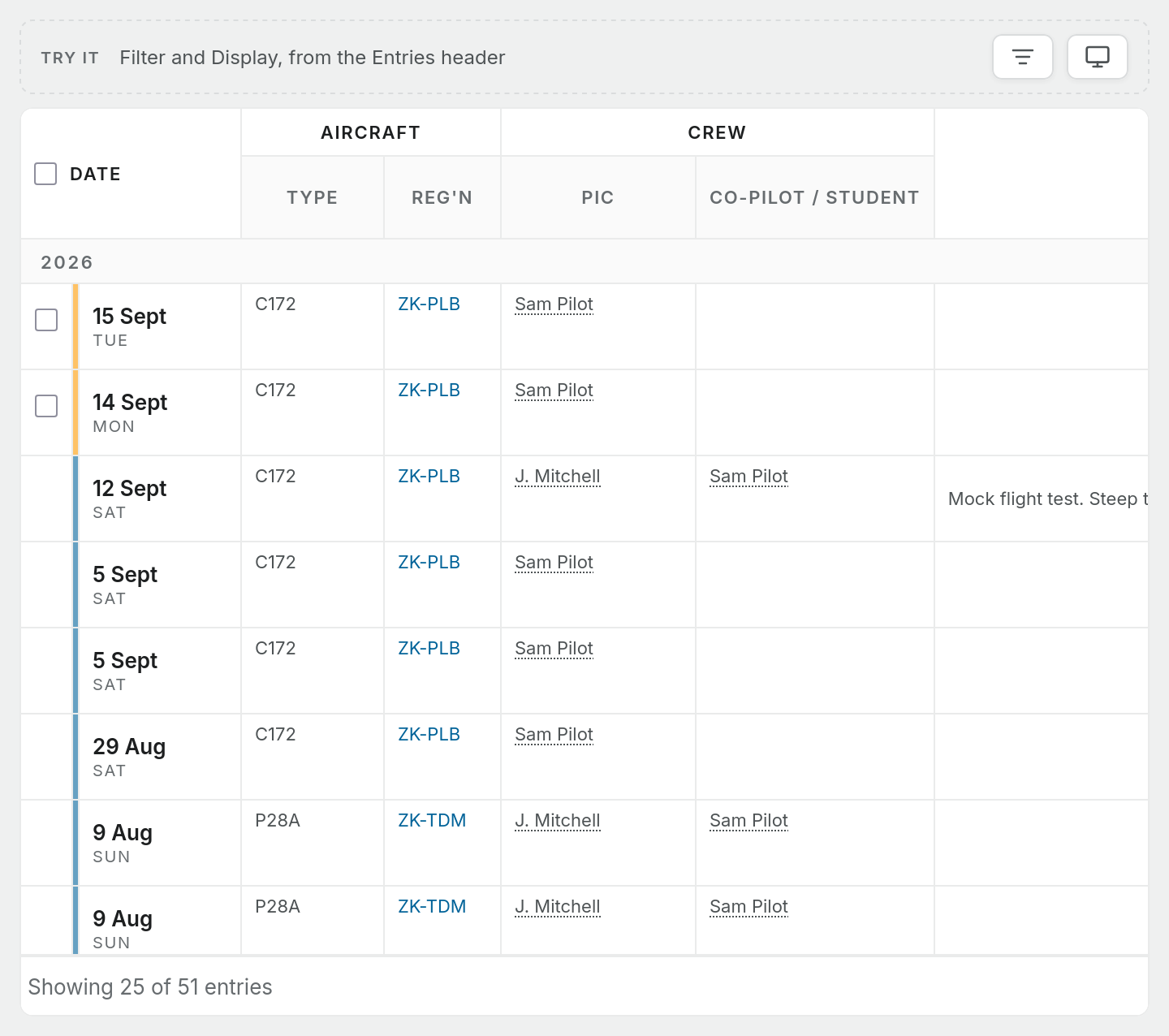
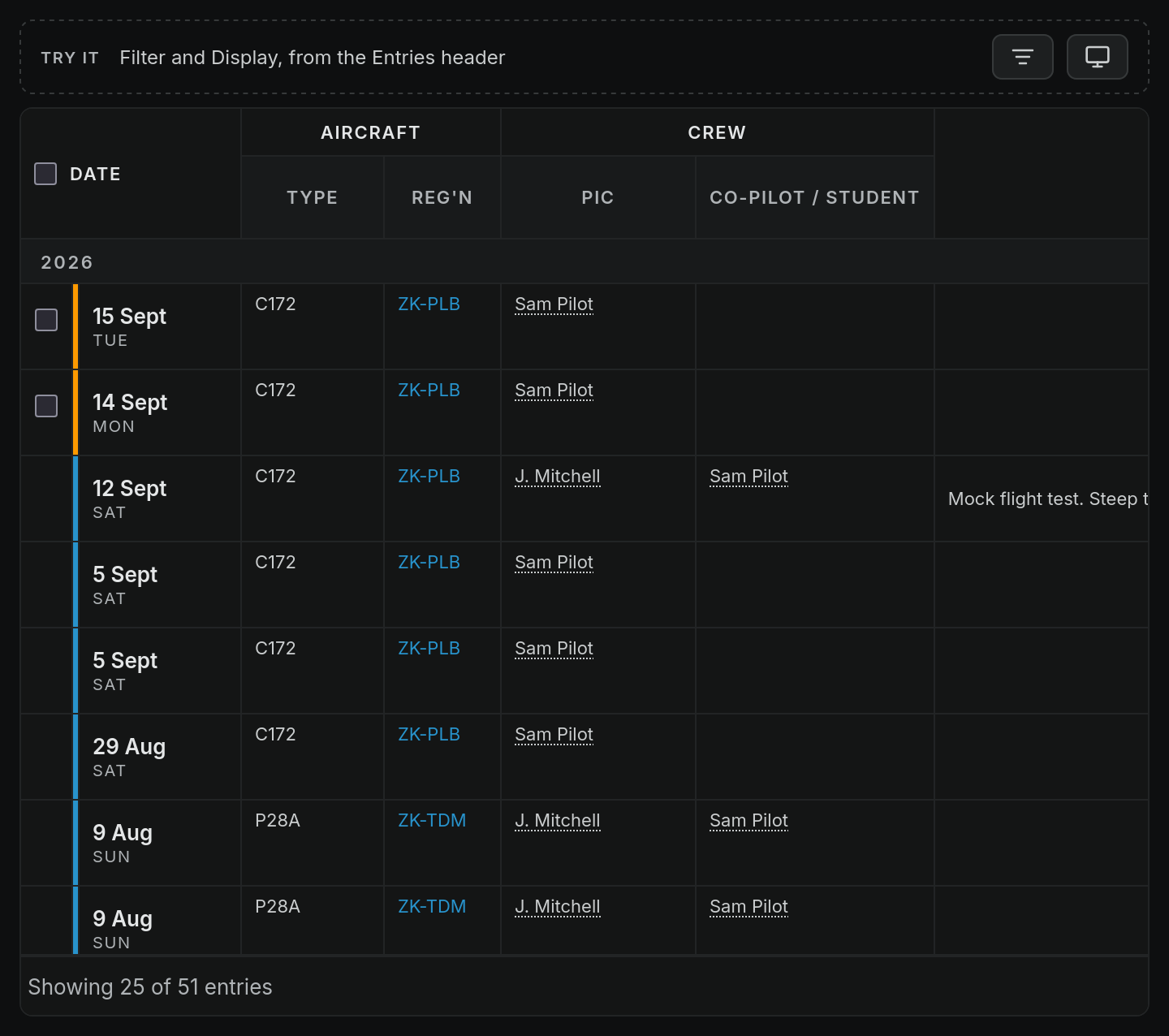
Table: Where each part of a flight appears
| Column group | Columns | Filled from |
|---|---|---|
| Single-Engine | Day Dual, Day Pic, Night Dual, Night Pic | Dual received and PIC time on a single-engine aircraft, split day and night. A Cmd column is added when a flight on screen has command practice in a single-engine aircraft |
| Multi-Engine | Day and Night: Dual, Pic, Co-Plt, Cmd | Dual received, PIC, SIC and command practice on a multi-engine aircraft |
| Instrument | ACT, SIM, GND | Actual IMC, simulated IMC and ground instrument time you enter |
| Instrument | NPA, PPA, INS | Non-precision and precision approaches, and instructor time |
| Take-offs, Landings | Day, Night | The counts on the entry |
| Duty | On, Off, Total | Duty times, if you record them |
Other values Pilot Lab works out
- IFR time: the whole flight when flight rules are IFR, otherwise none. On an IFR flight you can type a smaller IFR portion.
- Cross-country: the whole flight when the departure and arrival aerodromes are different.
- Dual instrument: the smaller of your dual received time and your actual plus simulated instrument time.
- Multi-pilot: the whole flight when Multi-pilot op is on.
- Landings: one day or night landing, by arrival time, when you leave both counts empty.
- Take-offs: when you leave both take-off counts empty, passenger currency counts as many take-offs as the flight's landings. The take-off columns themselves stay empty.
Gaps to know about
- Dual given time has no column in the table. It still counts in your totals (as Instructor on the dashboard), but no Single-Engine or Multi-Engine cell shows it.
- SIC time on a single-engine aircraft has no column either. The Single-Engine group has no co-pilot column, so that time only appears in totals.
- Only the New Zealand CAA rules are available today. Ruleset version shows the version in use, marked (active). There is no version to choose.
Total flight, the IFR portion of an IFR flight, and the single-engine and multi-engine figures can all be typed over on the entry. Day and night hours can't be typed on the entry: they come from the times and the aerodrome, unless an import brought them in written.