What your club can see
Club staff see what they need to run the club. Other members see almost nothing about you, and your personal logbook stays yours.
Flying a club's aircraft means sharing some things with the club. Pilot Lab keeps that to the people running the club, not the whole membership, and it keeps your personal logbook out of it.
The short version
Table: Who sees what in a club workspace
| Who | What they can see about you |
|---|---|
| Club admins | Everything the club holds about you: your member record, bookings, flights in club aircraft, account and documents the club keeps |
| People the club puts in charge of members | Your member record, including membership status and expiry, medical and flight review dates, account balance, and the documents and notes the club keeps on you |
| Finance | Your account: balance, statements and credit limit |
| Booking desk and instructors | Full details of every booking, including yours |
| Instructors | Your membership, medical and flight review dates. Once they track you as a student, the club's notes about you. Your training record only if you agree to share it |
| Reports viewers | Club reports that name no member. Reports listing members' balances or expiry dates also need the matching member privacy permission |
| Other members | That an aircraft is booked at a given time, but not who is flying. Anyone who can book on another member's behalf sees every member's name and membership number in the booking form |
What a person can see follows the permission groups the club gives them, so the rows above describe the usual set-up. Who sees other members' accounts, records, documents and notes is set separately for each group, under Member privacy in the club's permission group settings. Viewing reports or managing members does not include any of them. Ask your club admin who holds which group.
Bookings
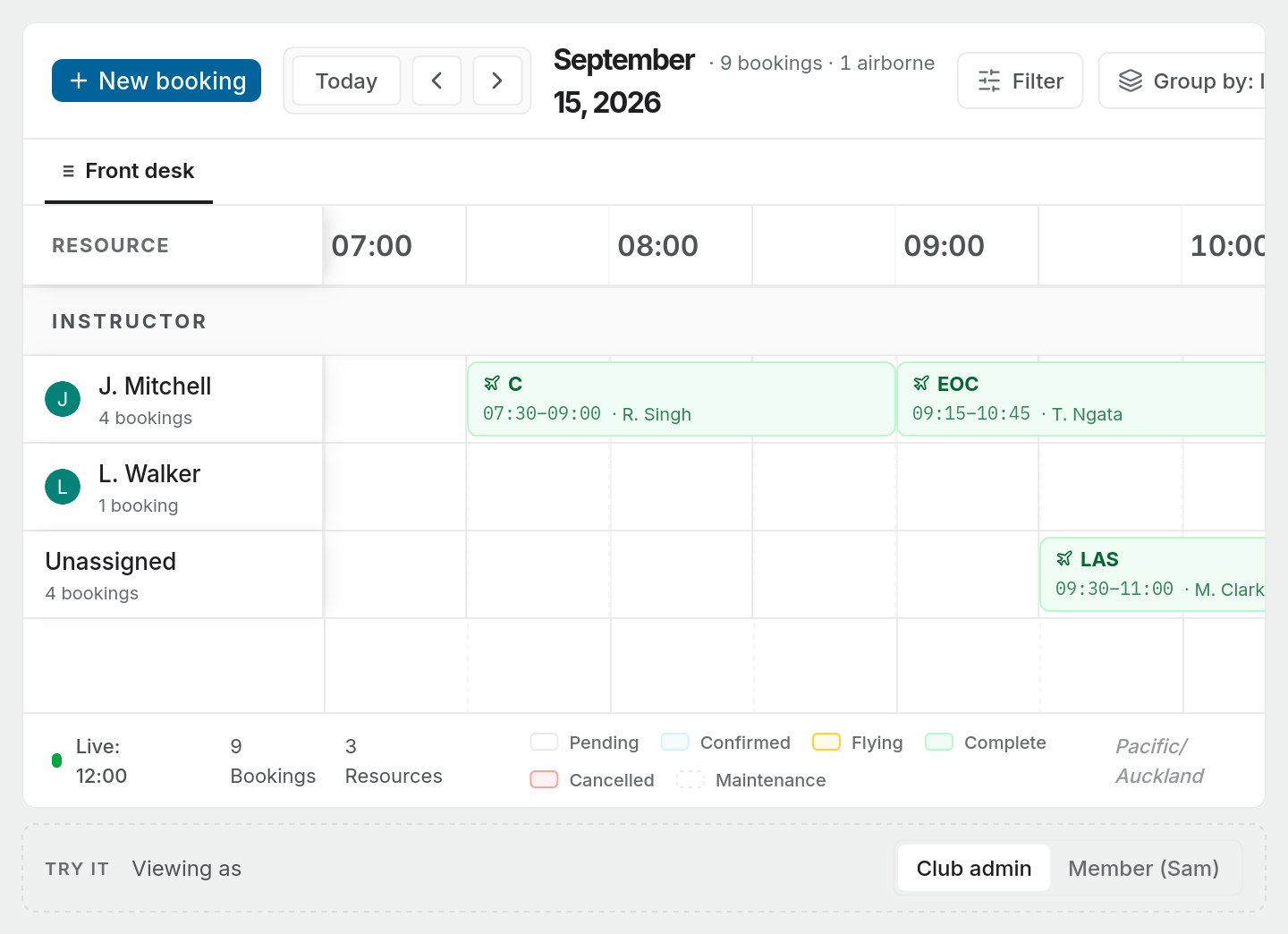
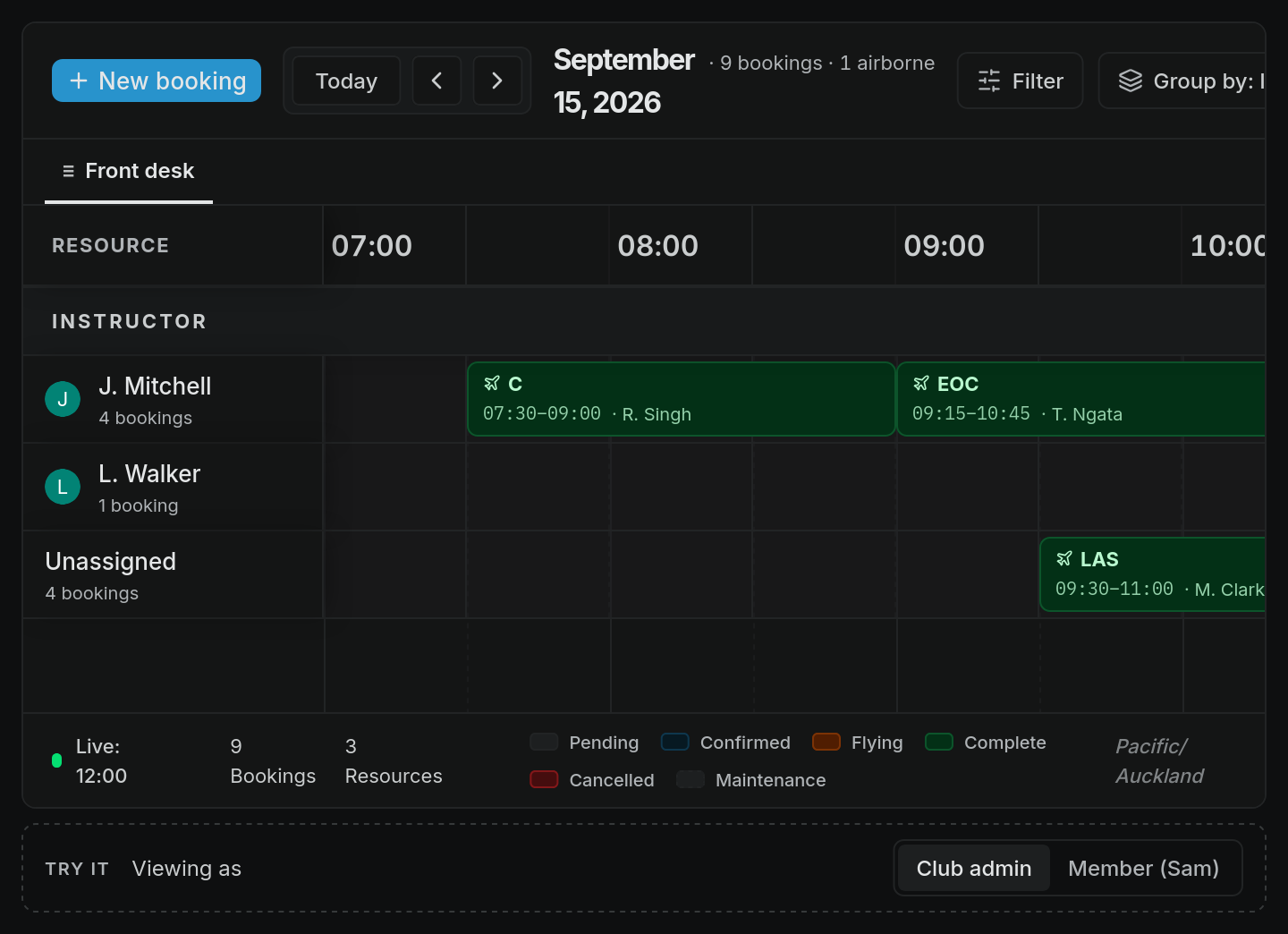
Everyone who can open the booking sheet sees which aircraft are taken and when, so nobody double-books. What changes is the detail:
- Your own bookings always show in full to you.
- Other people's bookings, if you are an ordinary member, show only the time, the status, the aircraft and the flight type. The name and notes are removed, and the booking is titled with its flight type, or just Booked. The booking itself doesn't name the instructor, but a sheet grouped by instructor still shows it on that instructor's row.
- The booking desk, instructors and admins see every booking in full.
Your personal logbook
The club cannot see your personal logbook. Joining a club does not share your entries, totals, notes or documents with it.
One thing does flow, from the club to you: when you are booked on a club flight, it appears in your personal workspace as a planned flight with a draft logbook entry. That entry is in your logbook, not the club's. You review and finalise it like any other entry.
The club keeps its own record of flights in its aircraft, such as sign-out and sign-in times, for its tech log and billing. That record belongs to the club workspace.
Sharing your training record
When an instructor adds you as a student they are tracking, Pilot Lab asks whether you want to share your training record with the club. Nothing is shared until you accept. If you do, the club's instructors and the people who run its training can see your licence progress, your flights and hours, and your sign-off requests. They cannot change anything.
You answer the request, see which clubs you share with, and stop sharing at any time under Profile settings, Instructors. Every time someone opens your record, it appears in your access log there.
Notes and documents in the club workspace
Notes and documents you create inside the club workspace start Private, visible only to you. If you choose Make workspace on a note, every member of the club can read it. Think twice before doing that with anything personal.
Your medical and licence details
A club needs to know that the people flying its aircraft hold a valid licence and medical. The club's member record holds those dates, and the people who manage members and your instructors can see them. Copies of your medical or licence that you share with the club, and your address and emergency contact, are seen only by groups the club gives permission to see members' documents. Other members cannot see any of it.
Club reports can list members' medical class and expiry and flight review dates. Anyone your club lets see other members' records can see and export them, which by default includes instructors and the people who manage members. If that concerns you, ask your club who holds it.
Questions about your data
For questions about what your club holds, ask the club first. It decides who in the club has which permissions. For anything about Pilot Lab itself, contact us.