Weather for a logged flight
Pilot Lab attaches the METAR nearest your departure and arrival times to each entry, and tells you where it came from and how close it is to the flight.
Every logbook entry can carry a snapshot of the weather at its departure and arrival aerodromes. It's there so you can look back at what the conditions were. It is historical context, not a briefing: Historical context only. Not for flight planning. appears on every weather view.
Weather is available on every plan.
Where to find it
Open an entry and look for the Weather section. Departure and arrival sit side by side so you can compare them across the rows.
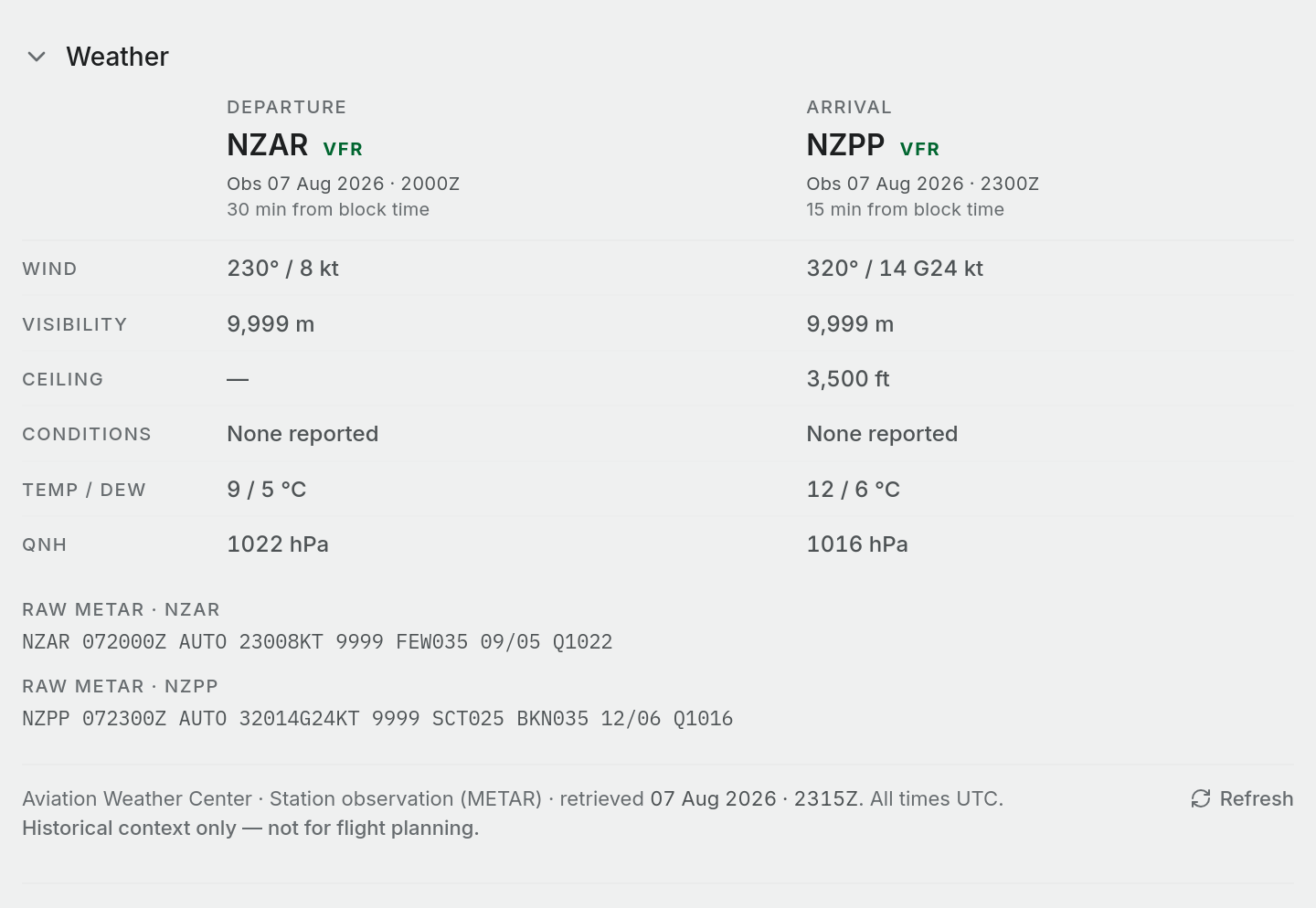
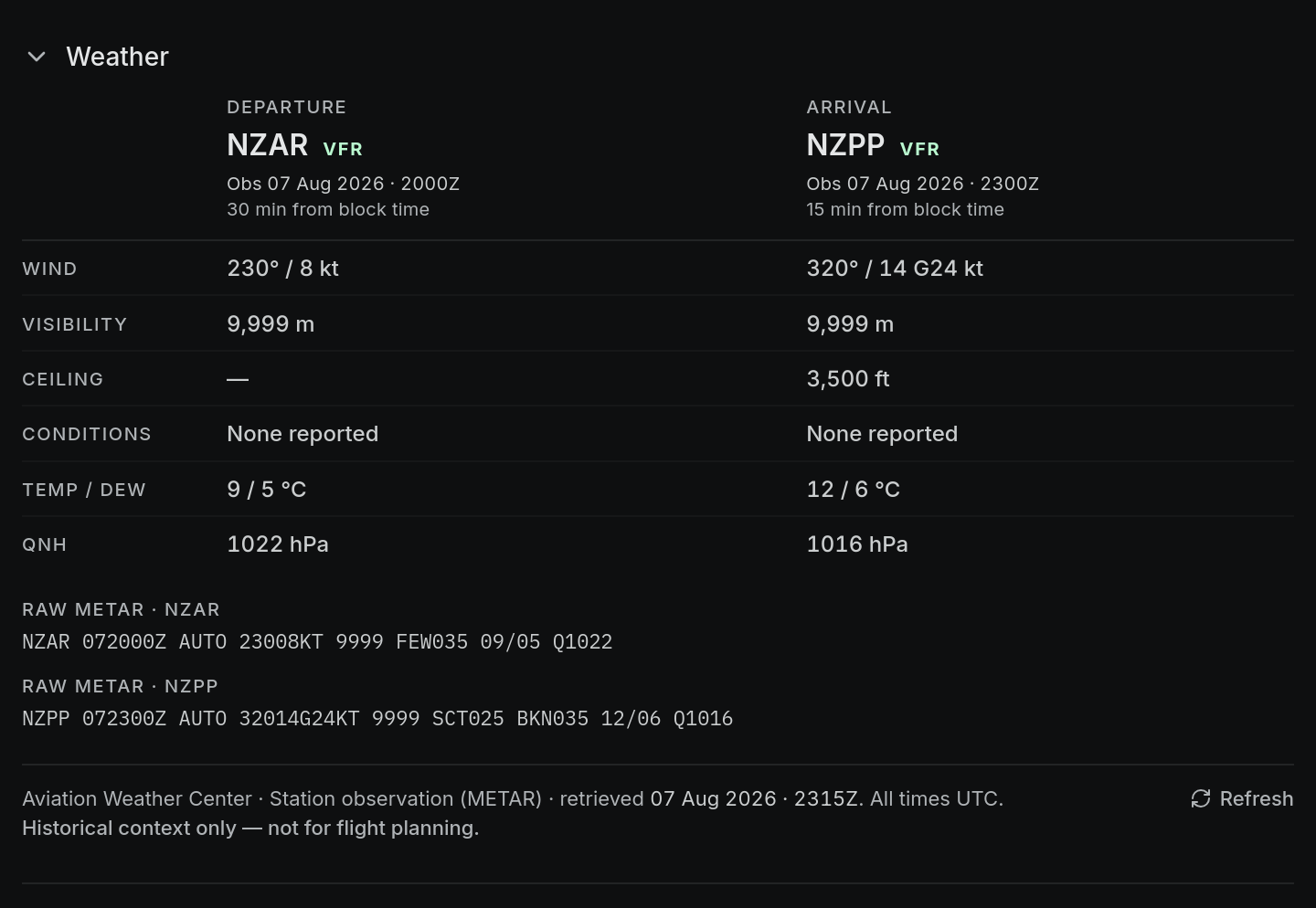
Each column heading shows:
- Departure or Arrival, then the aerodrome's ICAO code and the flight category (VFR, MVFR, IFR or LIFR).
- Obs (a station observation) or Model (a modelled value), then the time of the snapshot in UTC.
- How far the snapshot is from your block time, for example 5 min from block time.
The rows are Wind, Visibility, Ceiling, Conditions, Temp / dew and QNH. Gusts are shown in the wind cell the way a METAR reads them, for example 250° / 14 G22 kt. Ceiling is the lowest broken or overcast layer; with only few or scattered cloud there is no ceiling to show.
Below the table, Raw METAR shows the report exactly as issued for each aerodrome.
How the snapshot is chosen
You don't need to request weather. Pilot Lab fetches it in the background when you create an entry, and again when you change an aerodrome or a time.
- It looks for the report closest to your block off time at the departure aerodrome and your block on time at the arrival aerodrome. If block times are empty, it uses your departure and arrival times.
- It only accepts a report within three hours either side of that time.
- For a local flight that departs and lands at the same aerodrome, it fetches once unless the arrival time needs a different report.
It tries these sources in order and uses the first that returns a report:
Table: Weather sources
| Source | What it gives you |
|---|---|
| Aviation Weather Center | Station observation (METAR), with the raw report |
| CheckWX | Station observation (METAR), with the raw report |
| Open-Meteo | Values from a weather model at the aerodrome's position. No station report and no raw METAR |
When the snapshot is modelled, the column says Model, the source line reads Open-Meteo · Reanalysis model, and the raw METAR area explains that there is no station report for it. A modelled snapshot doesn't give cloud base, so ceiling is blank. It often has no visibility either, and then there is no flight category to show. Treat modelled values as a rough guide to conditions, not a record of them.
TAFs are not attached to entries.
Snapshots far from the flight
If the nearest report is more than 90 minutes from your block time, its age is shown in amber and a warning appears under the table: the snapshot is well outside the flight window, so treat it as approximate, not as the conditions flown.
Refresh or fix the weather
The footer shows the source and when the snapshot was retrieved. All times are UTC.
- Use Refresh in the footer to fetch again, for example after you correct a time or aerodrome and the snapshot hasn't updated yet.
- If no source had a report, the aerodrome shows No METAR data found for followed by its code.
- If the section says No weather snapshot is attached to this flight., check the entry has departure and arrival aerodromes and times. Changing either one triggers a new fetch.
Weather on the map
Point observations belong to a place and a time, so Pilot Lab shows them as markers, not shaded areas. On the detailed map, the departure and arrival reports appear as a ring in the flight category colour at each end of the track, with a wind arrow and a label such as NZTG · VFR · 250/14G22. Click a marker to see the raw METAR and the decoded values.